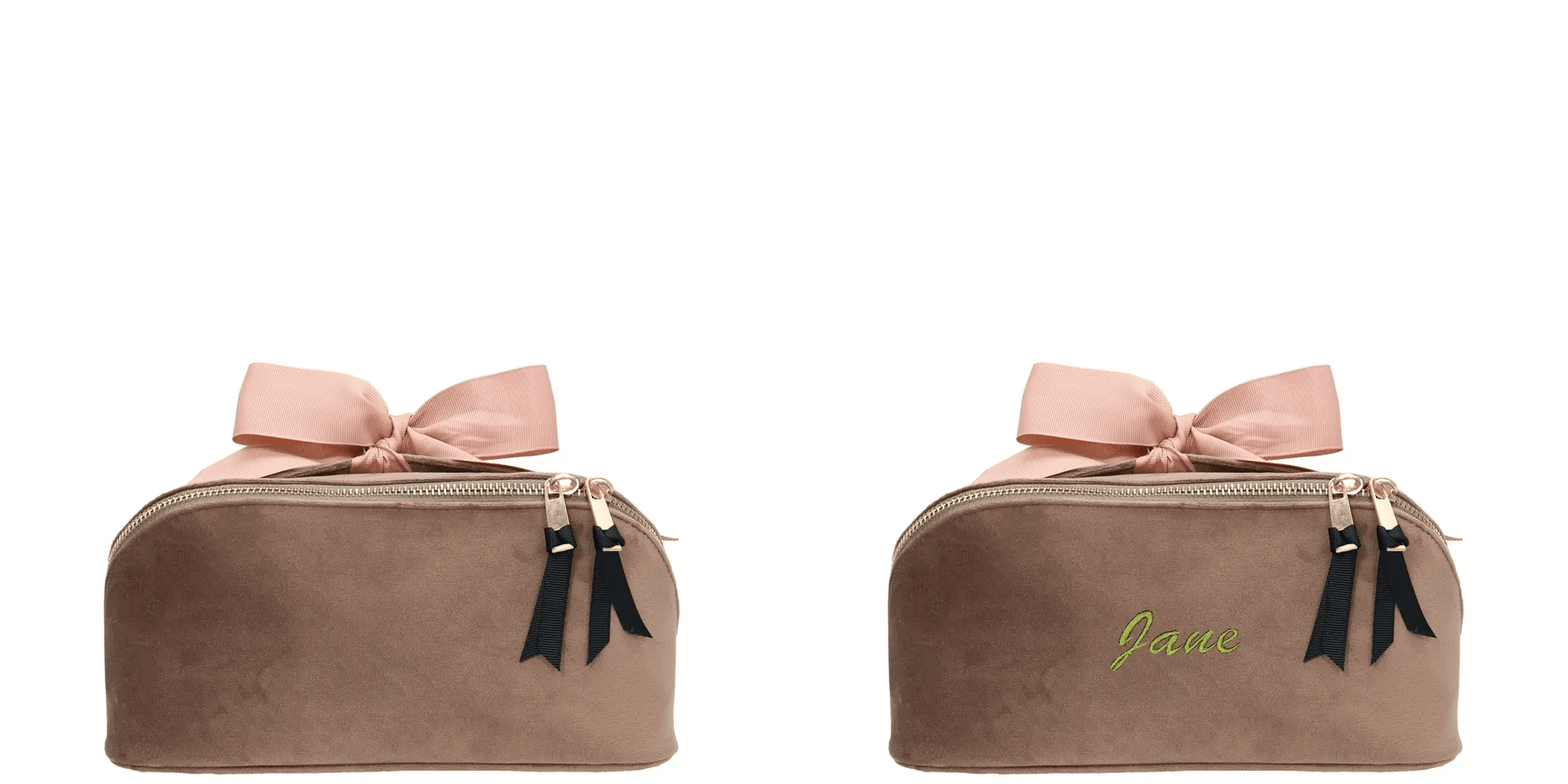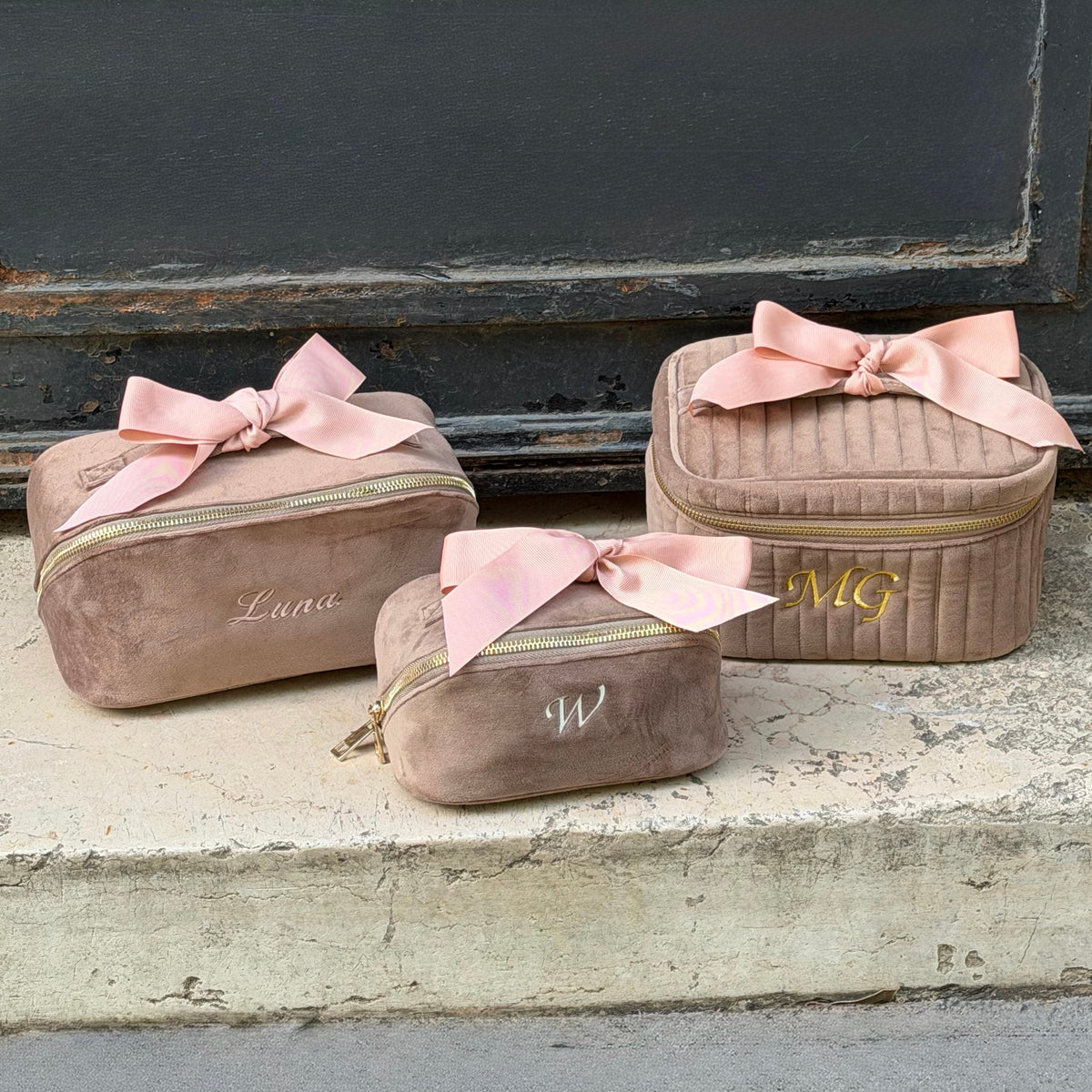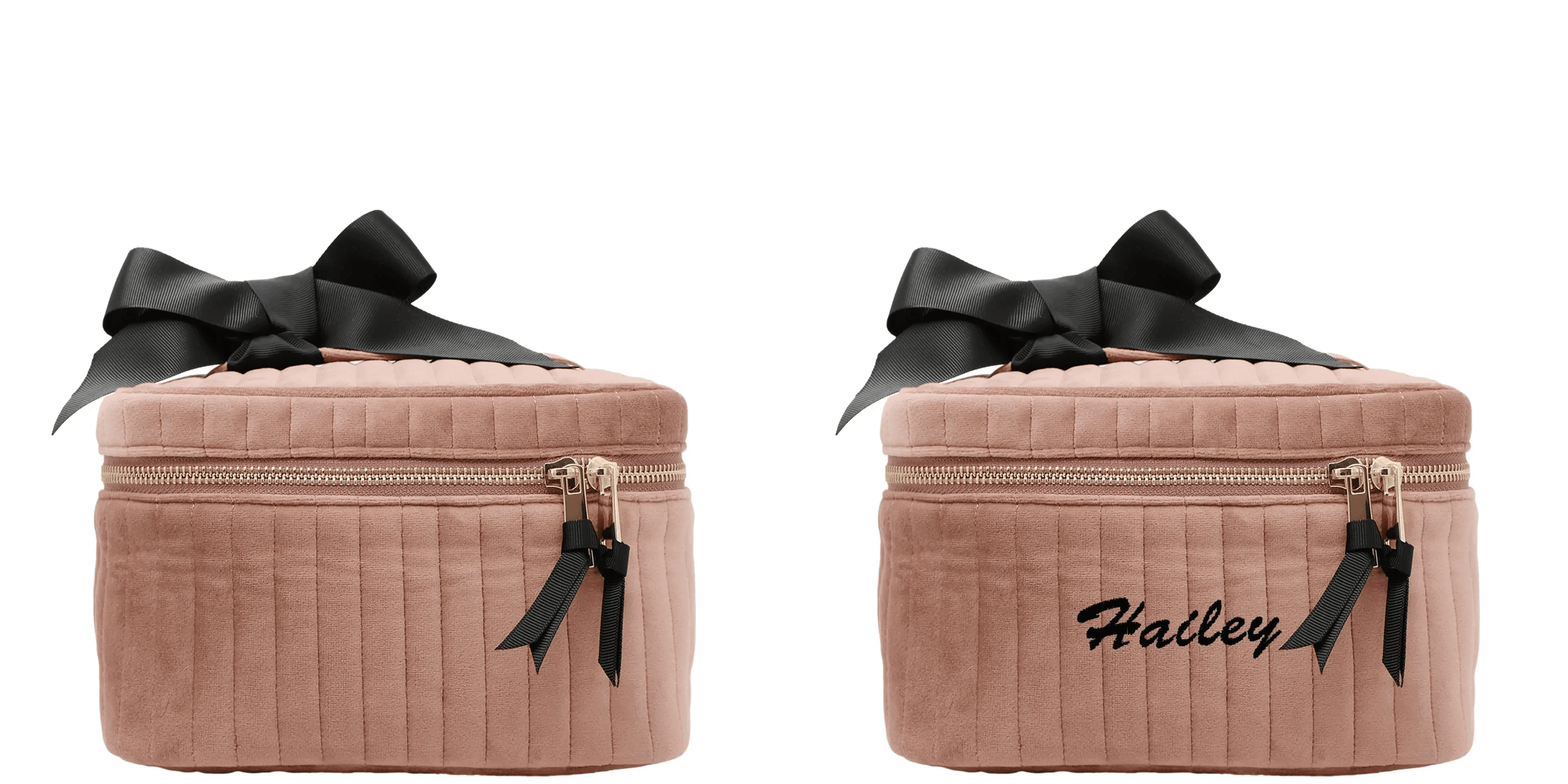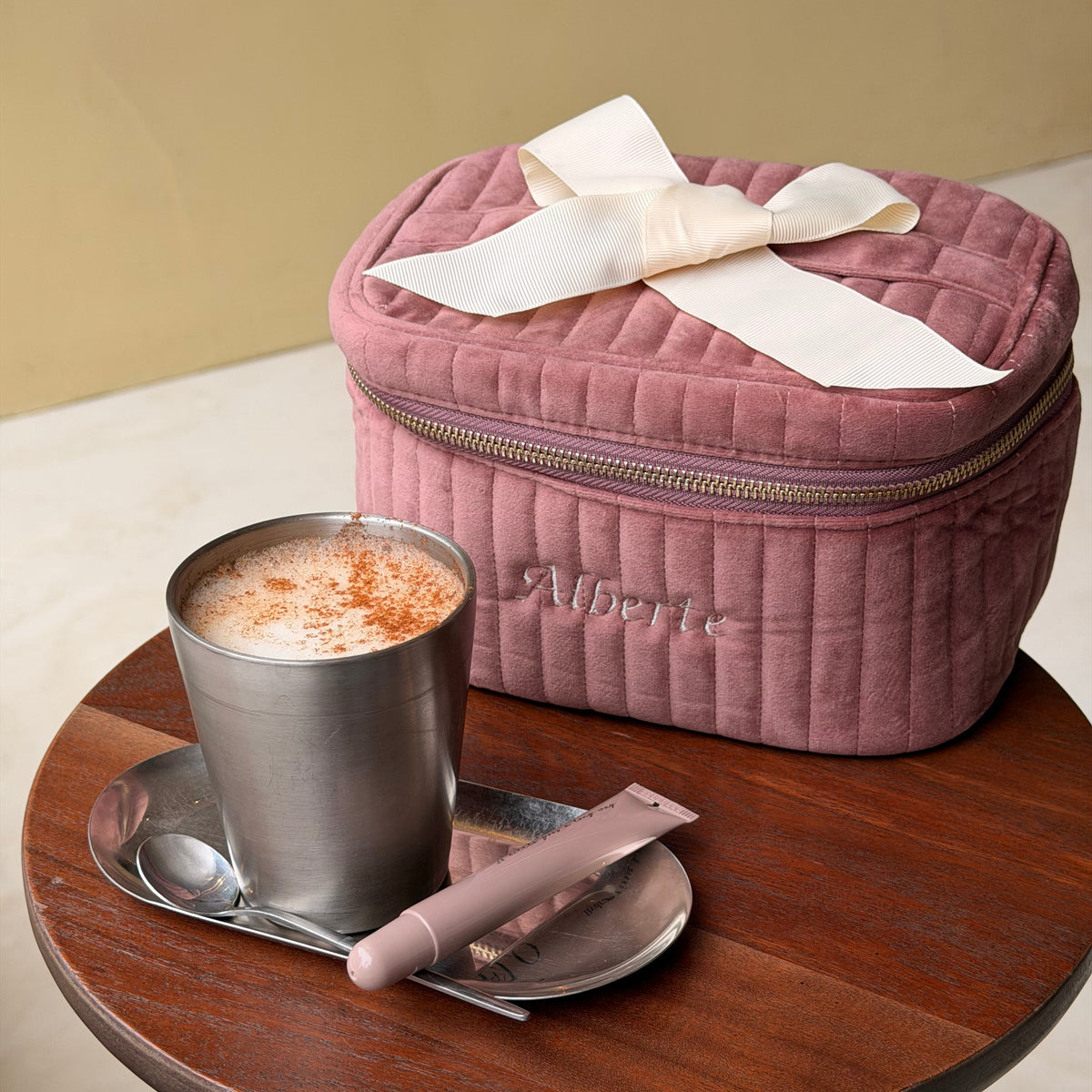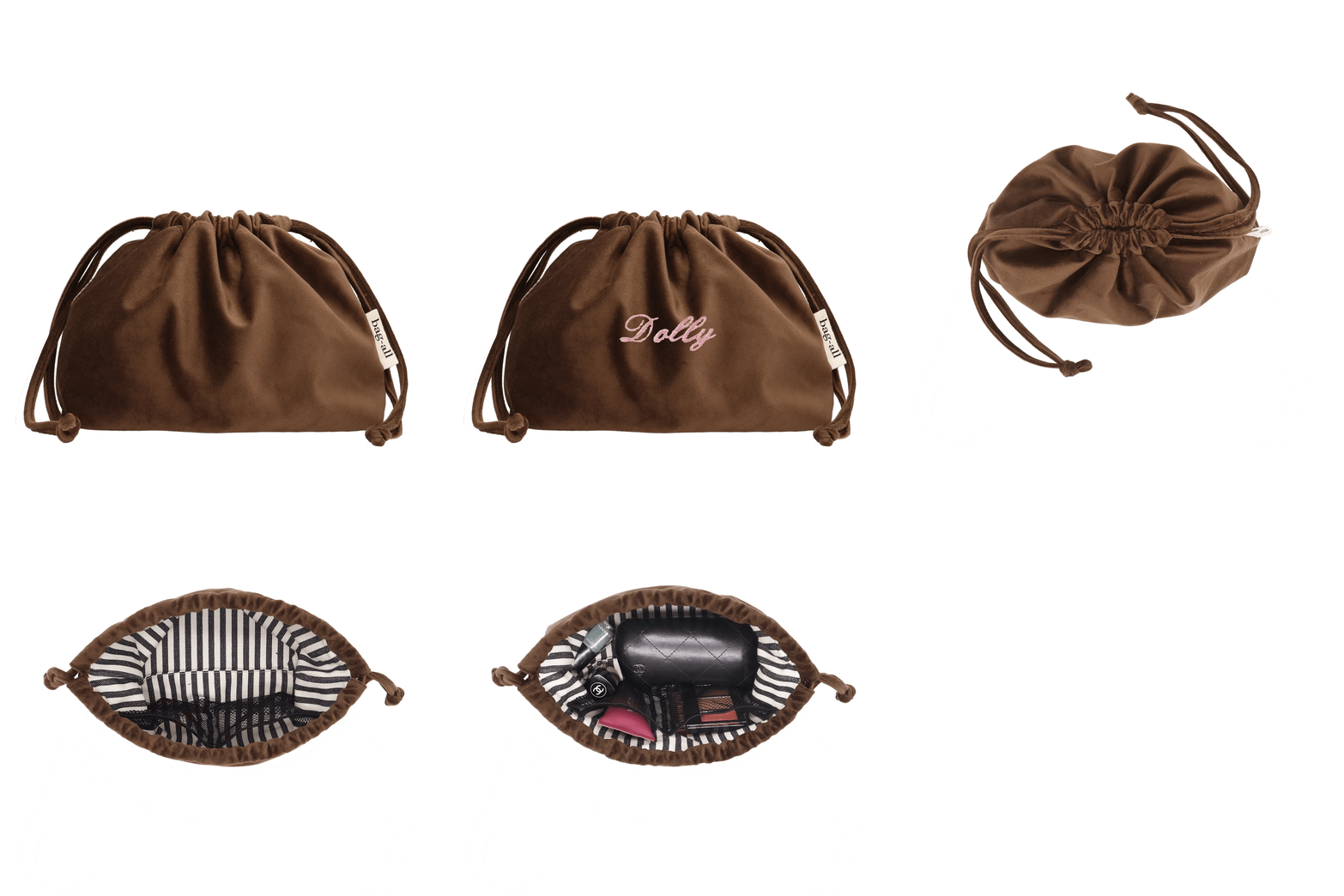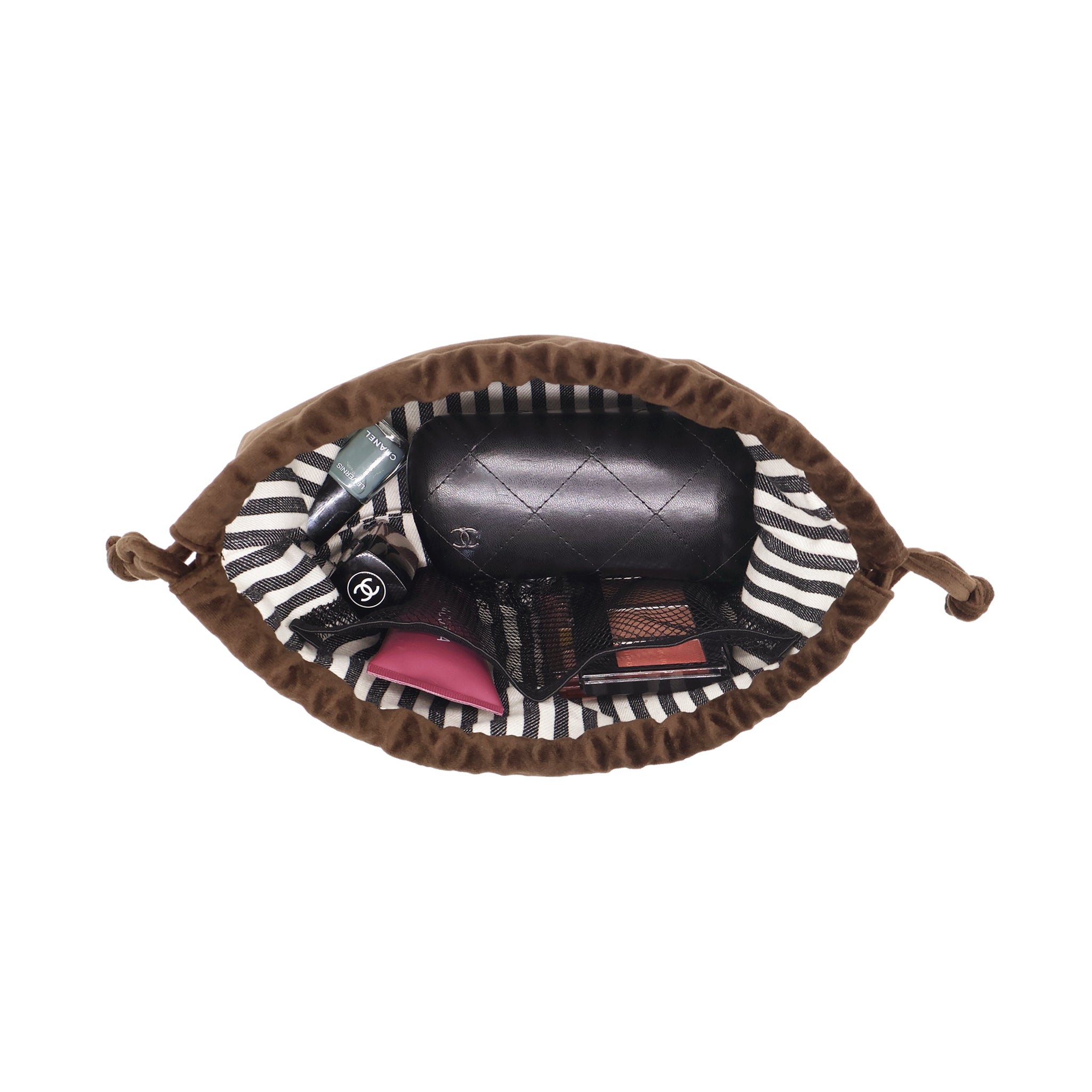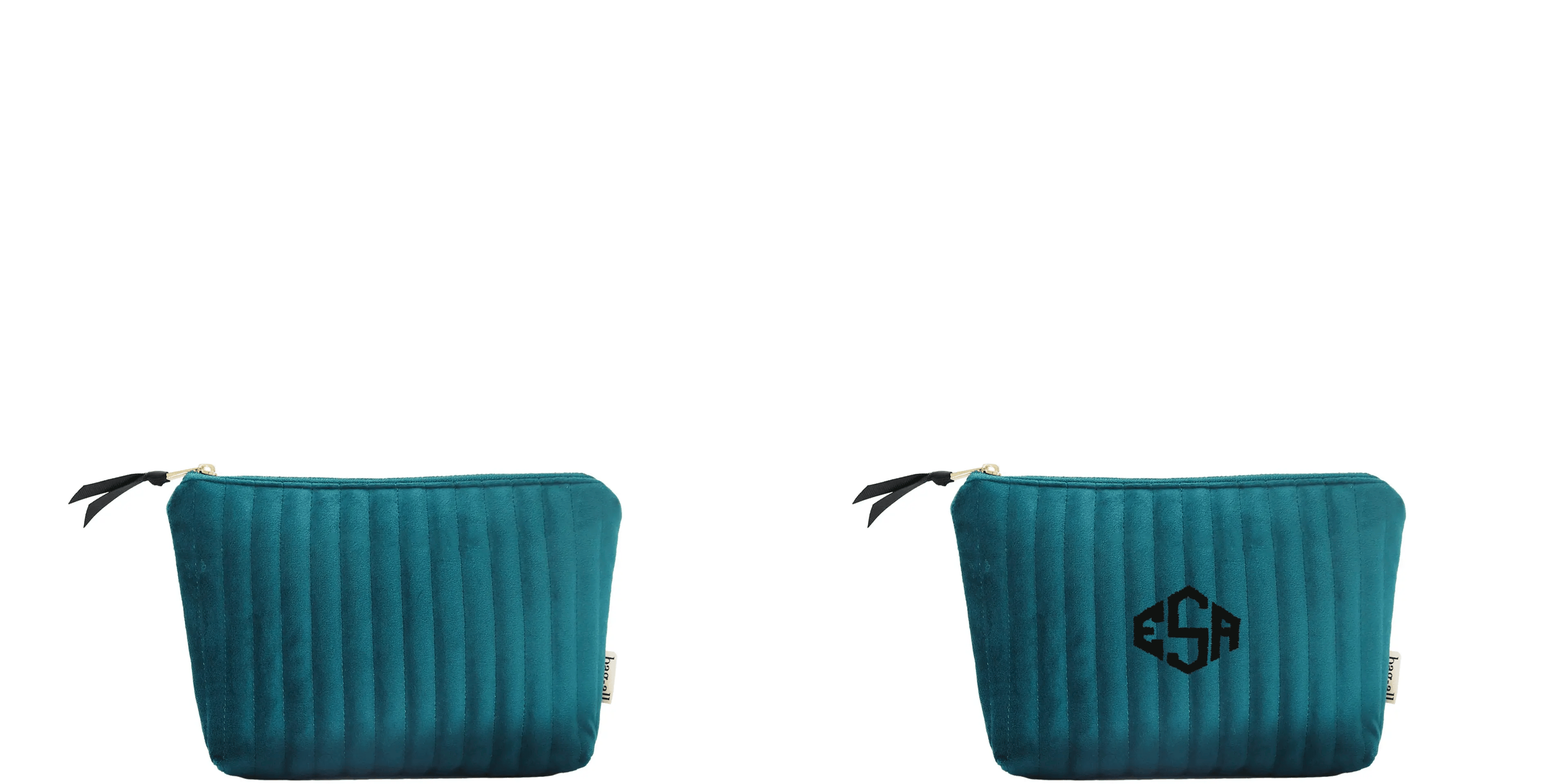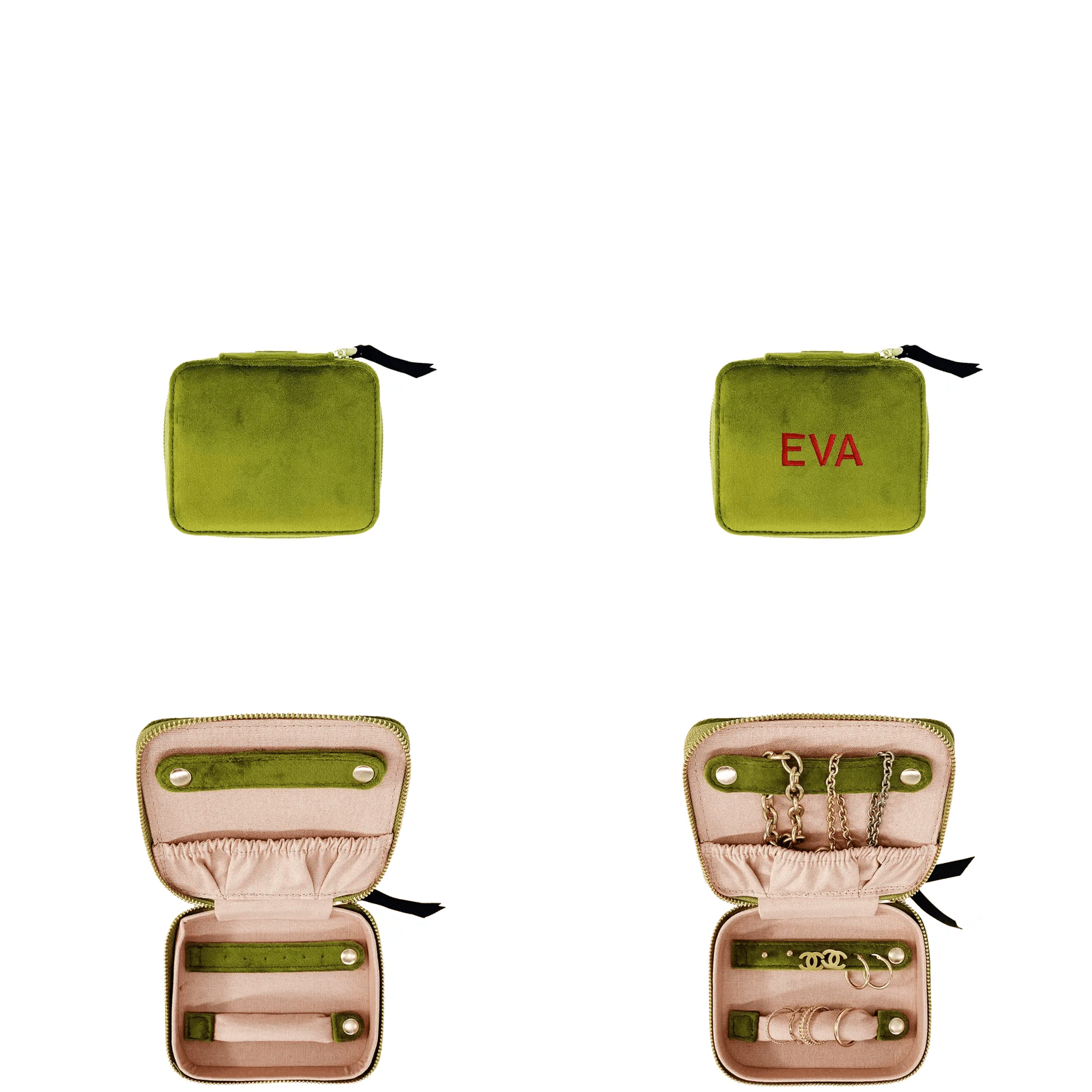



How Monogramming Works at Bag-all

Personalizing your Bag-all product is designed to be simple. Whether you’re ordering for yourself or as a gift, the process follows a few clear steps.
Step 1: Choose Your Product

Start by selecting a product that offers monogramming.
Most commonly personalized items include:
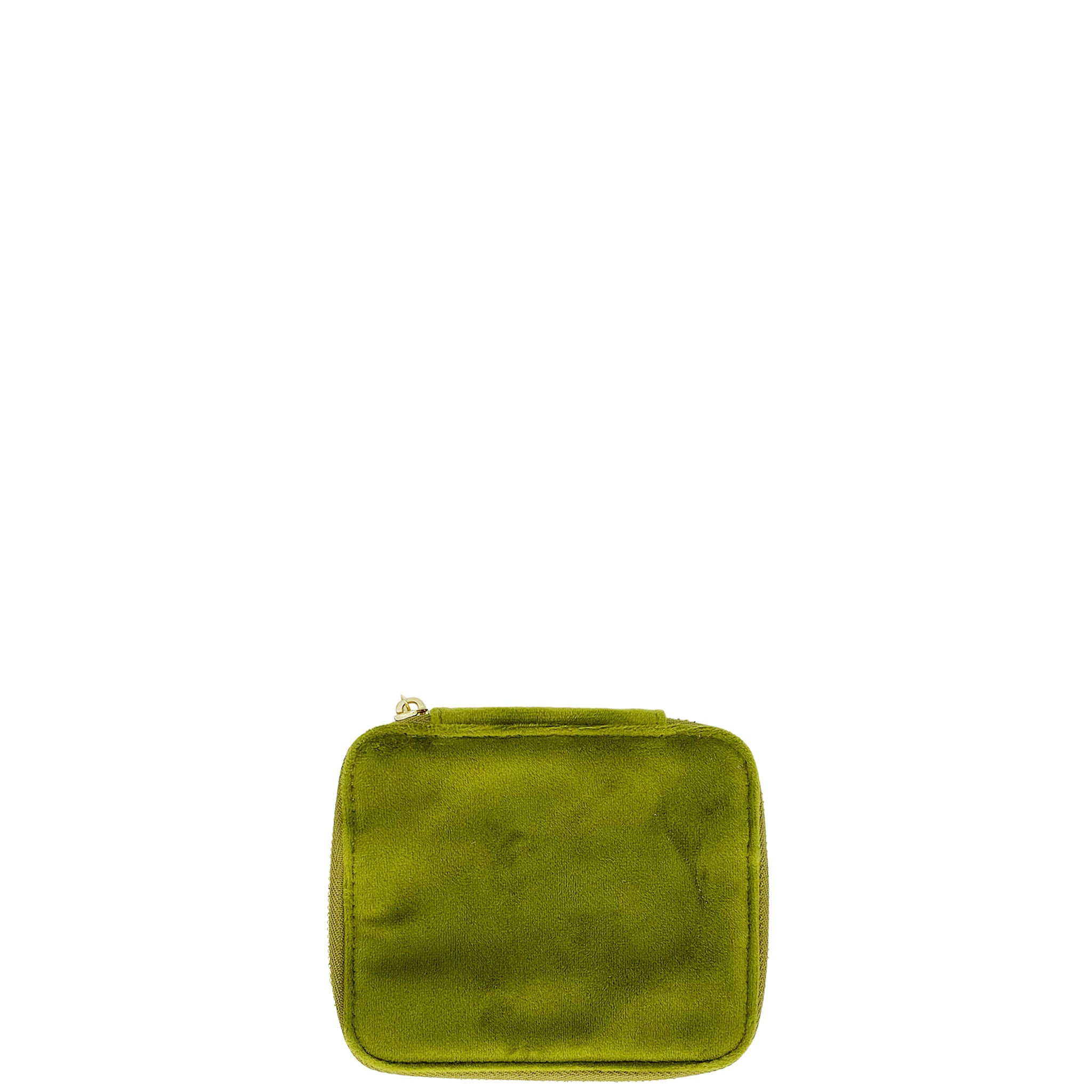
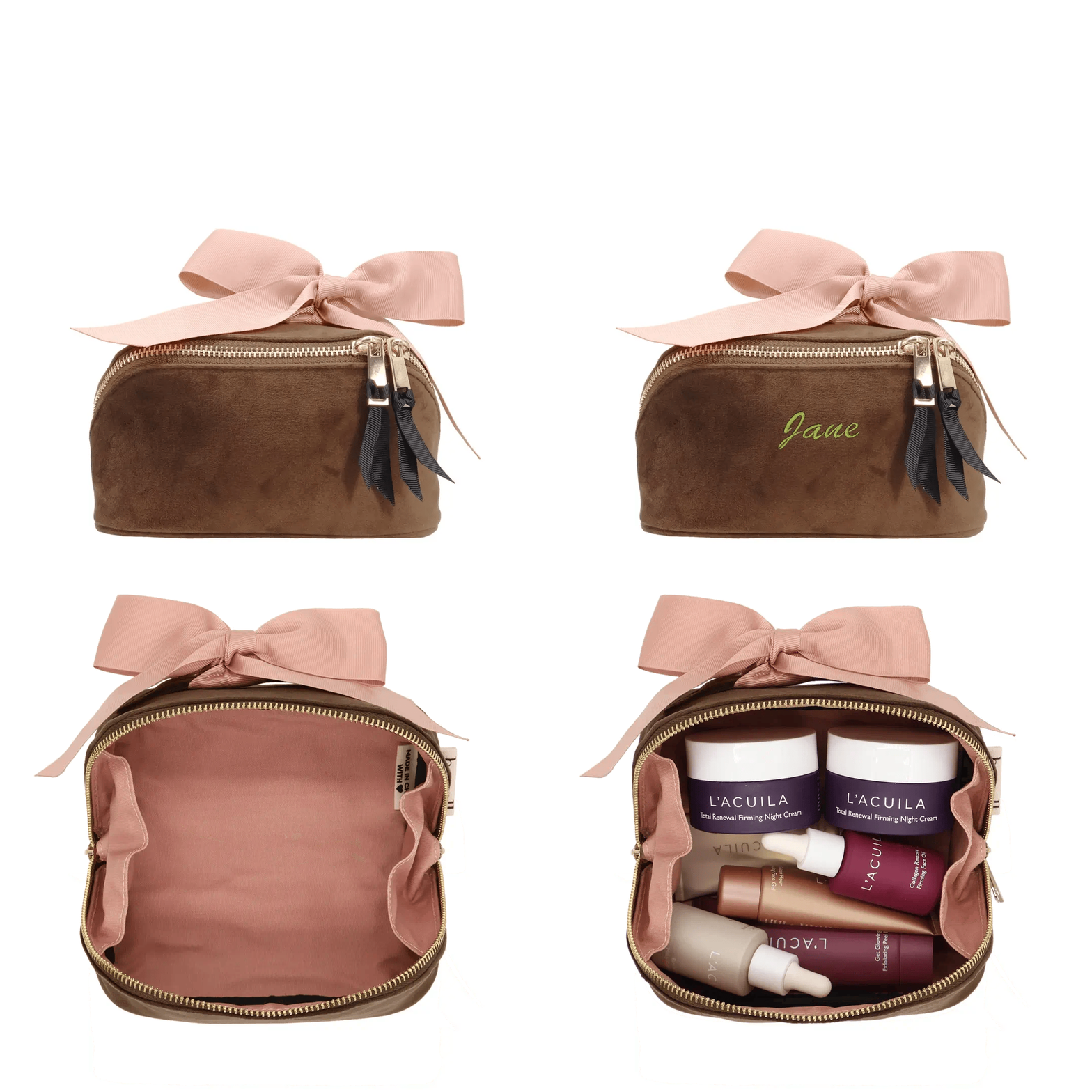
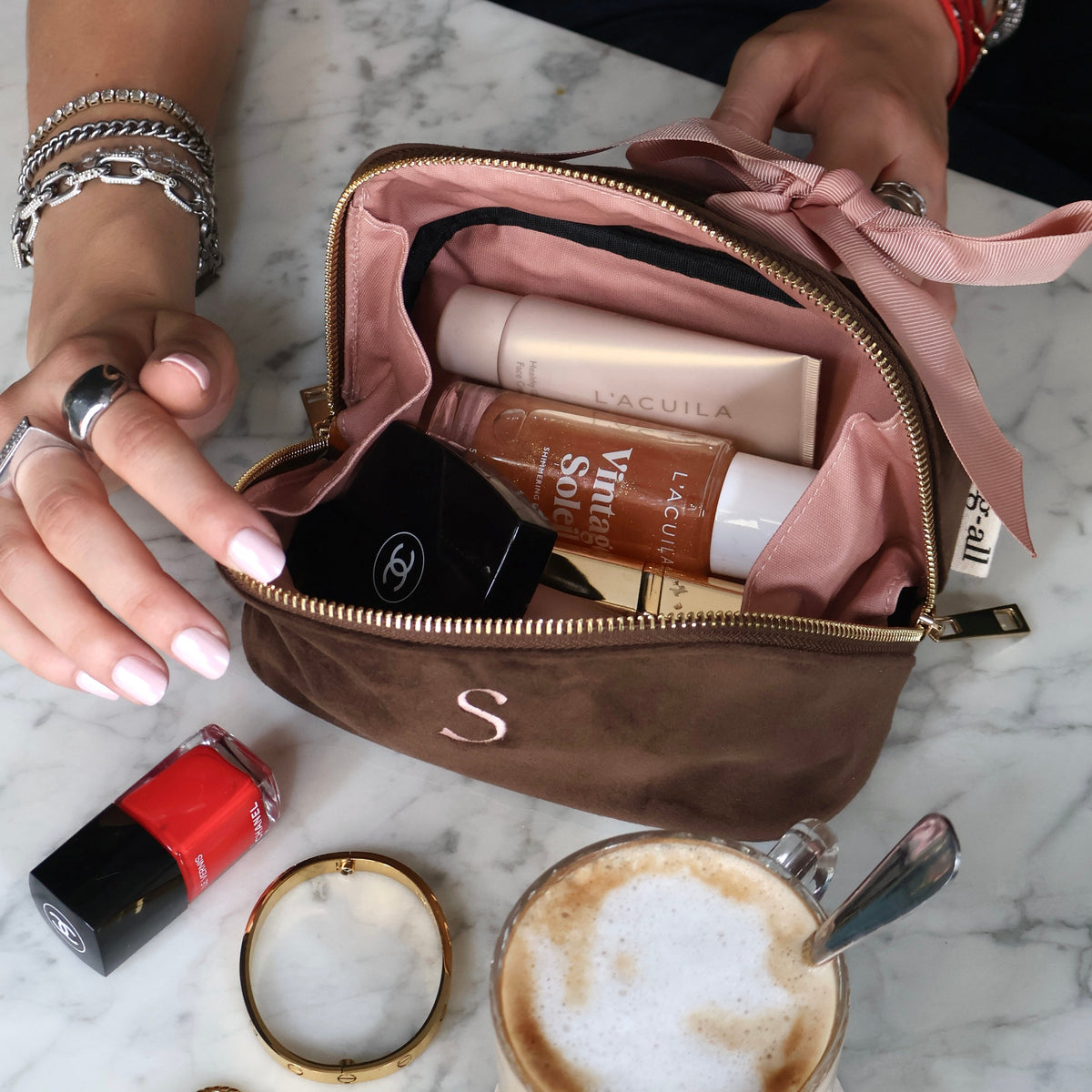
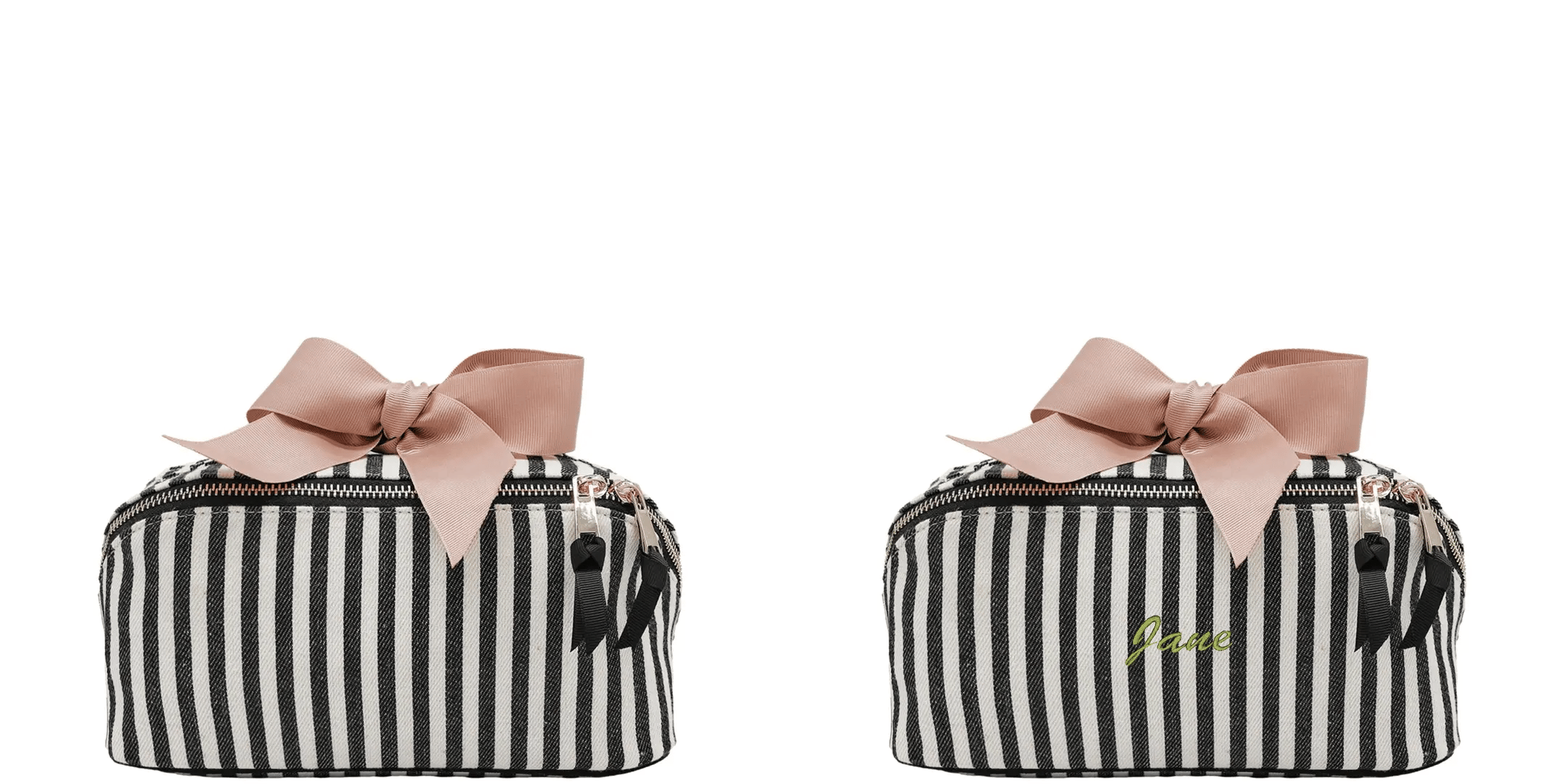
=Makeup and toiletry cases
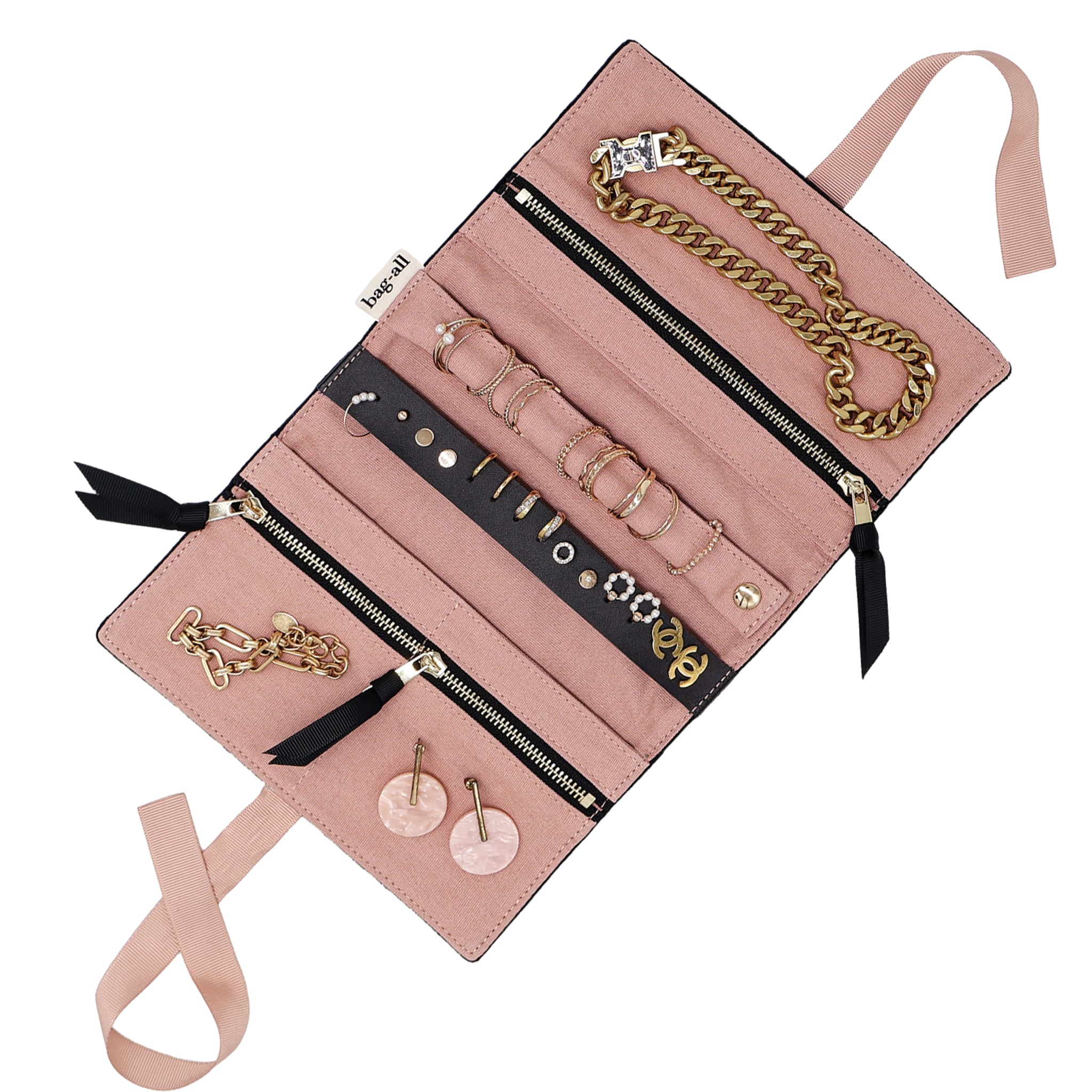
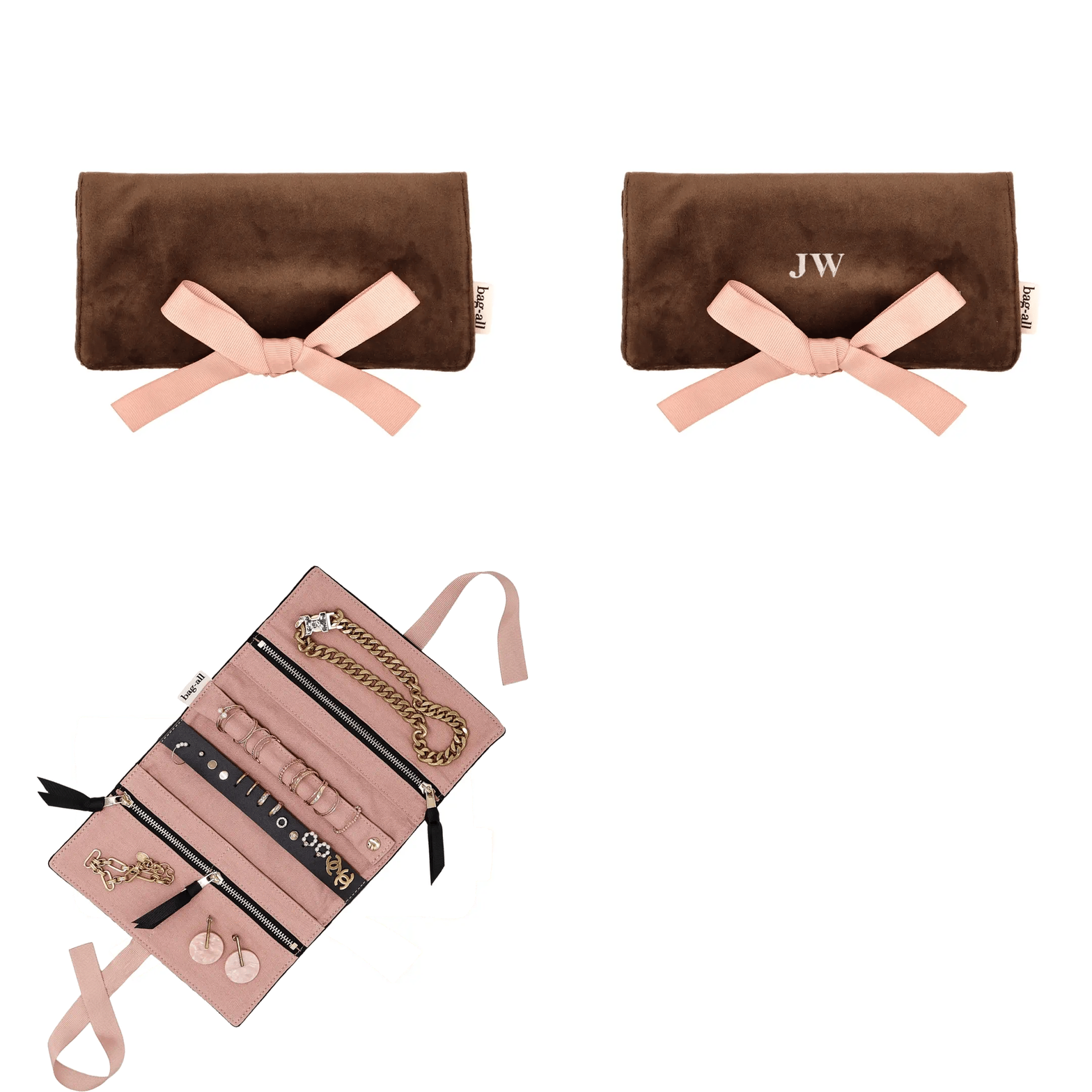
=Jewelry organizers
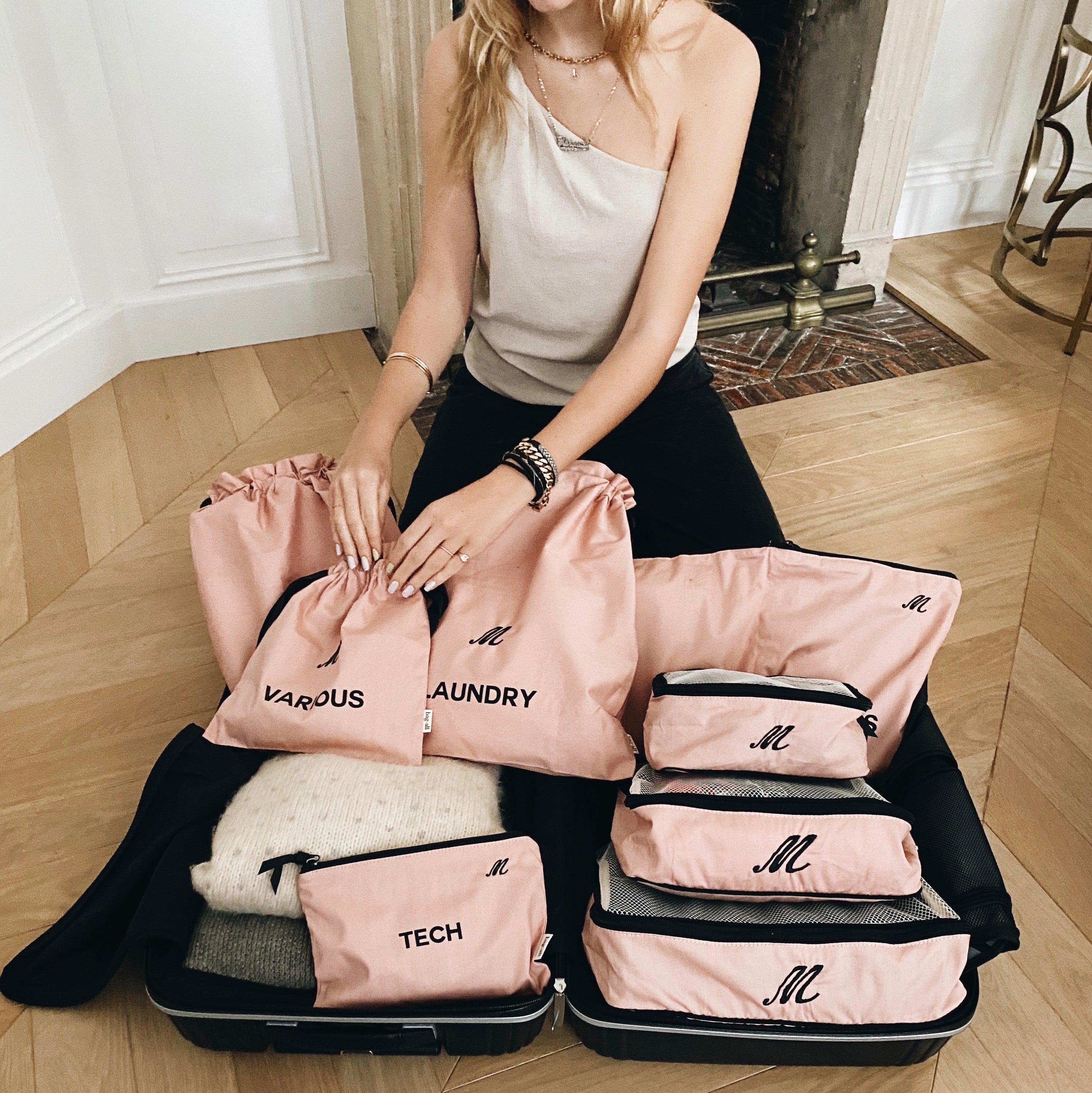
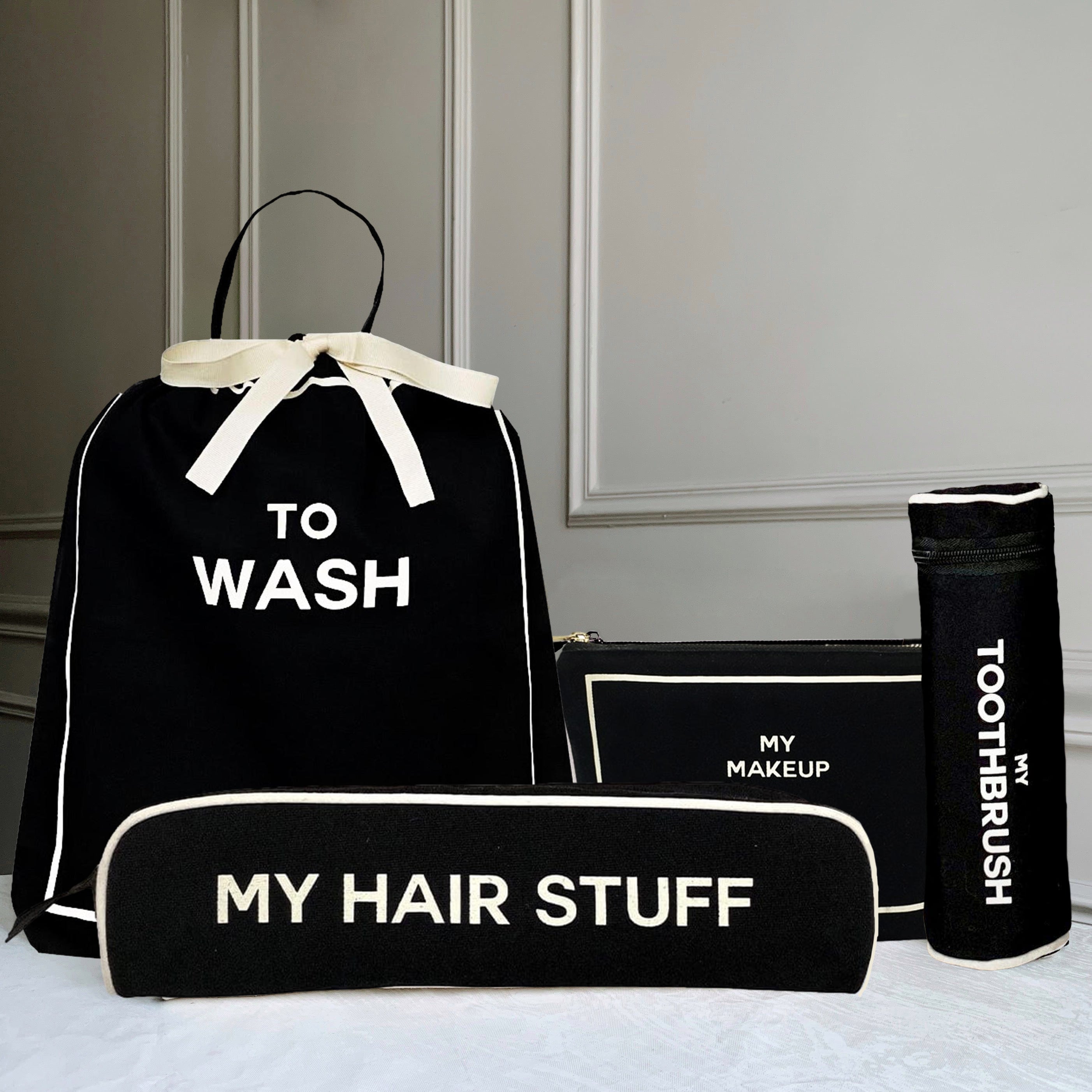
-Packing cubes and travel pouches
Each product is designed for a specific use, so the first step is choosing what fits your needs.
Step 2: Add Your Initials or Text

Once you’ve selected your product, you can add your personalization.
Bag-all monograms can include:
=Short initials
=Names or words
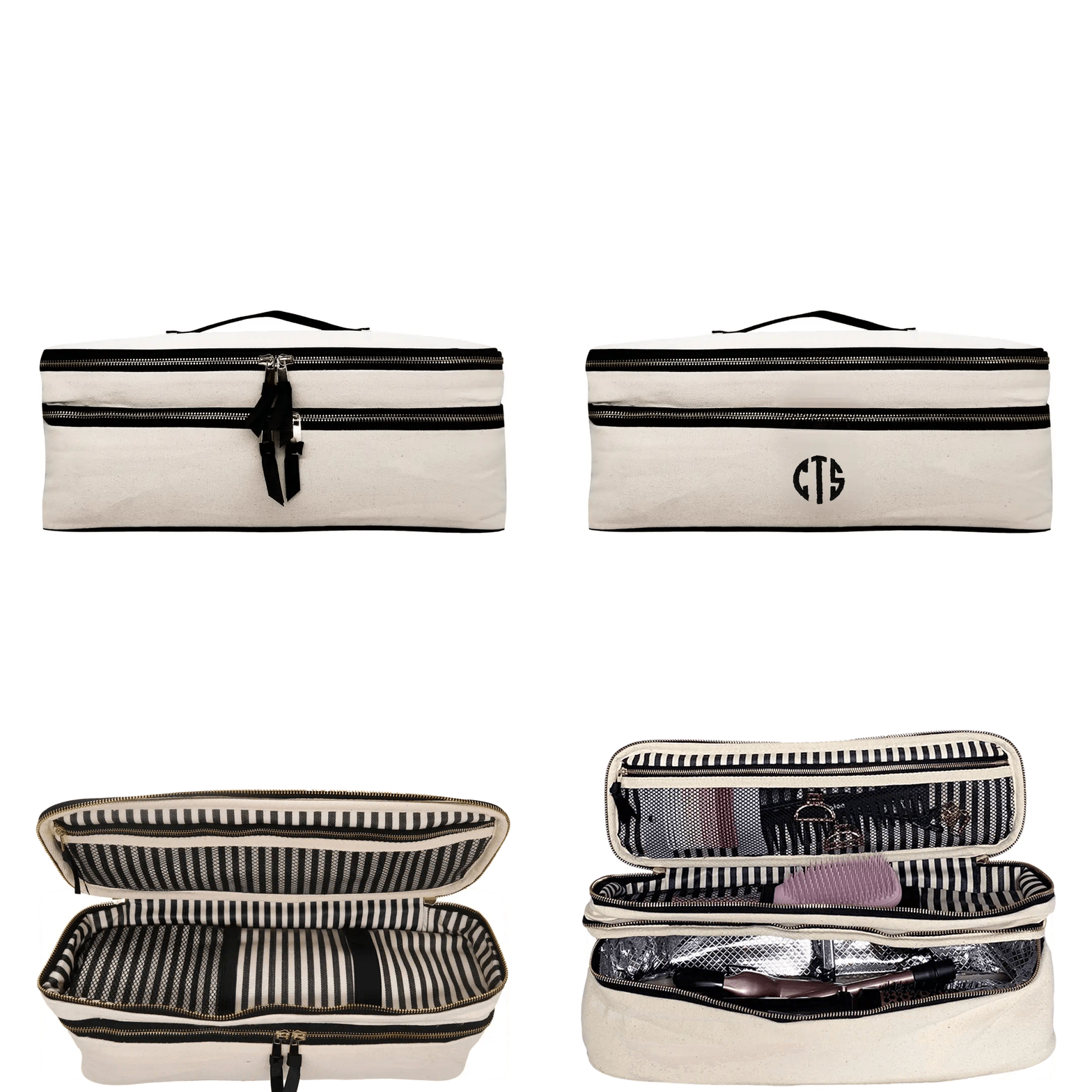
Length can vary from 1 to 8 letters, depending on the product and available space.
Step 3: Select Font and Color

Choose from different font styles and color options to match your product. Bag-all offers:
-8 font styles
-15 color options
This allows you to match your monogram to your personal style or the product itself, whether you prefer something subtle or more defined.
Step 4: Placement and Application

The monogram is placed in a fixed position to keep the design clean and consistent.
Depending on the material, it is applied using:
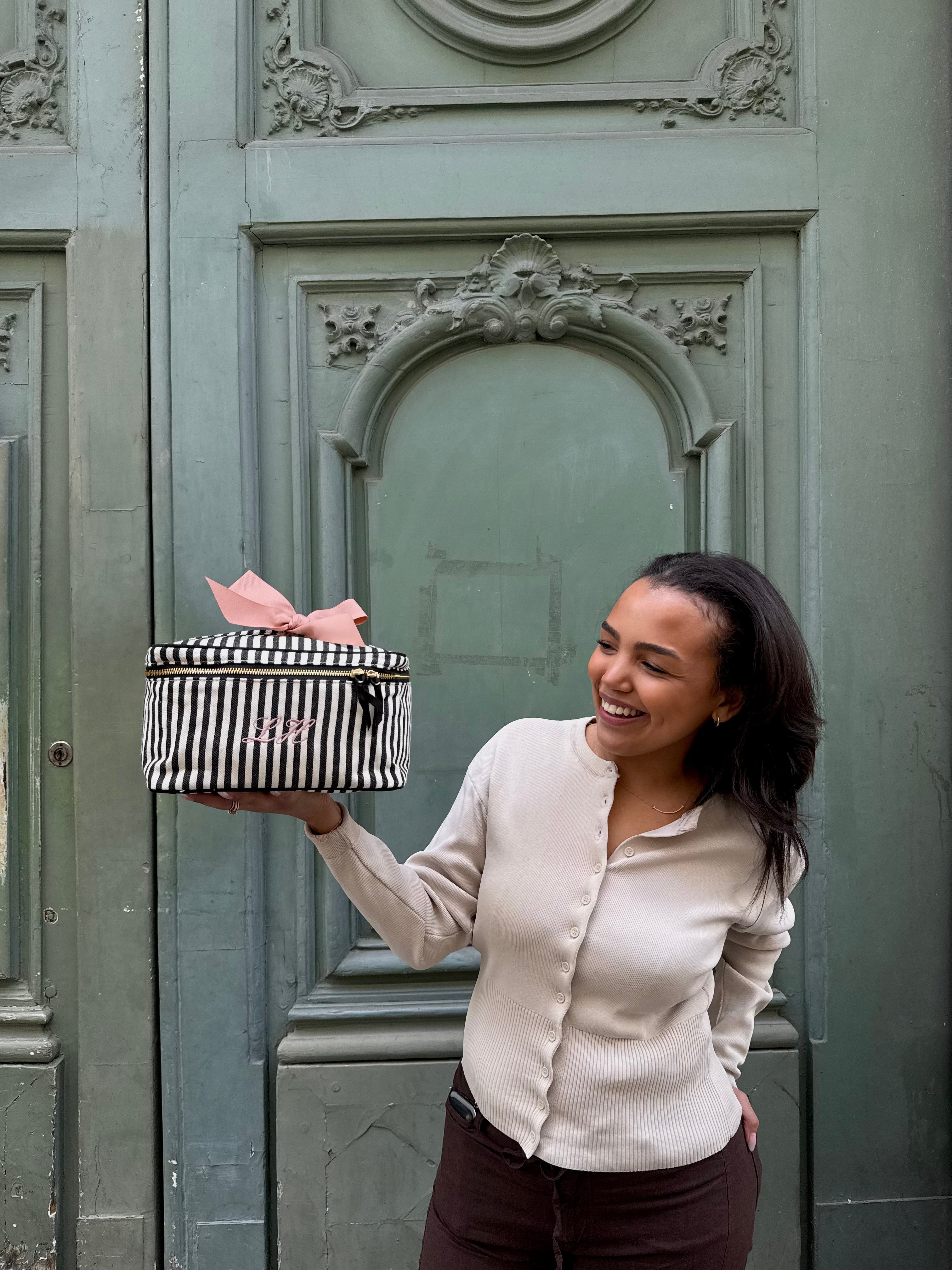
-Embroidery
-Heat-pressed vinyl (on selected styles)
Both methods are chosen for durability and everyday use.
FAQ
How many letters can I add to a Bag-all monogram?
You can add between 1 to 8 letters, depending on the product and available space.
How do I add a monogram to a product?
Select a product, enter your text, choose a font and color, and it will be applied before shipping.
Is the monogram durable?
Yes, Bag-all uses heat-pressed vinyl or embroidery depending on the material to ensure long-lasting results.